
Prerequisites
Basic command-line comfort (we cover Linux essentials)
No prior cloud experience required
A laptop able to run a browser + VS Code
Cloud & DevOps
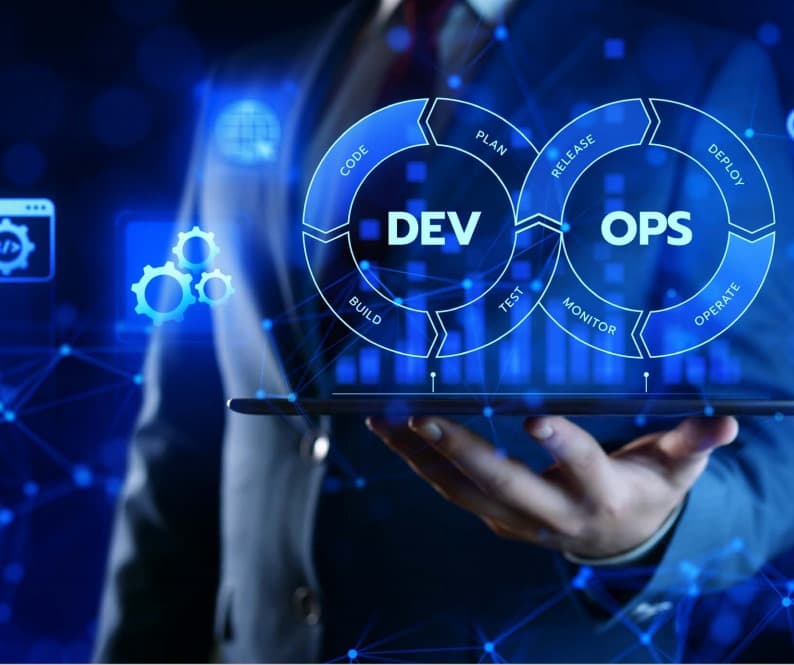
Learn AWS, DevOps workflows, automation, containers, monitoring, and CI/CD through hands-on cloud infrastructure practice.
What you will learn
Upcoming classes
Admissions will confirm the start date, class time, learning format, and availability before you make a commitment.
Ask for the next class dateCurriculum
Cloud service and deployment models
Linux command line, processes, permissions, packages, and shell scripting
IP addressing, DNS, HTTP, ports, and network troubleshooting
Accounts, regions, availability zones, IAM users, roles, and policies
Multi-factor authentication, least privilege, and organization guardrails
Tagging, budgets, audit trails, and shared-responsibility model
EC2 selection, images, user data, security groups, and lifecycle
S3 classes, policies, encryption, versioning, and lifecycle rules
Elastic Block Store and shared file-system concepts
VPCs, subnets, route tables, gateways, security groups, and network ACLs
Public, private, and multi-tier architecture
Load balancing, DNS, content delivery, and connectivity options
Relational, NoSQL, caching, messaging, and event services
Availability, backups, scaling, and data security
Select services using workload and operational requirements
Terraform providers, resources, variables, outputs, state, and modules
Plan, review, apply, and safely change infrastructure
Build reusable environments with remote state and policy checks
Docker images, containers, networking, volumes, registries, and Compose
Container security, image scanning, and least-privilege runtime
Deploy containers to AWS-managed services
Branching, pull requests, automated tests, artifacts, and quality gates
Build a repeatable CI pipeline with secure secrets
Version and publish application and container artifacts
Deployment strategies: rolling, blue-green, and canary
Automate releases, database changes, rollback, and approvals
Deploy an application through environments to AWS
Metrics, logs, traces, dashboards, alerts, and incident response
Health checks, autoscaling, backup, recovery, and resilience testing
Define service objectives and troubleshoot production failures
Secrets, patching, vulnerability management, supply-chain security, and policy
Rightsizing, purchasing options, storage lifecycle, and cost allocation
Add security and cost checks to delivery pipelines
Design a secure, highly available AWS architecture
Provision infrastructure and deploy a containerized application with CI/CD
Demonstrate monitoring, recovery, documentation, and cost controls
Before the first class
Basic command-line comfort (we cover Linux essentials)
No prior cloud experience required
A laptop able to run a browser + VS Code
Cloud Support Engineer: Supports cloud resources, monitors systems, and resolves infrastructure issues.
DevOps Engineer: Builds automated deployment workflows and connects development with operations.
Solutions Architect Associate: Designs secure, scalable, and cost-aware cloud systems.
Project experience
Completion credential
Verifiable Loctech certificate of completion. Curriculum is aligned to and prepares you for the AWS Certified Solutions Architect – Associate exam (certification taken with AWS).
Questions answered
No. We start from Linux and cloud fundamentals and build up to production DevOps.
The curriculum prepares you for AWS certification. The exam itself is booked and paid directly with AWS.
Yes — this program runs hybrid and fully online, with live instructor-led sessions.
Sessions are instructor-led; recordings and materials are shared, and instructors support catch-up.
Keep exploring
Cloud & DevOps
Cloud & DevOps

Data Science & Analytics