
Prerequisites
No prior experience required for beginner tracks
A laptop and reliable internet for online classes
Networking & Hardware
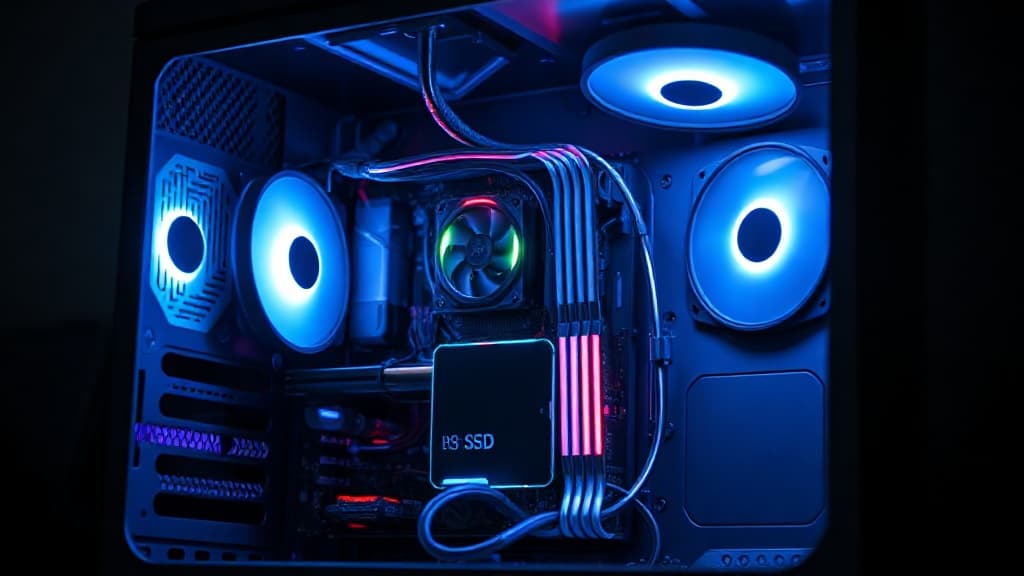
Learn computer assembly, maintenance, troubleshooting, operating system setup, repairs, and customer support practice.
What you will learn
Upcoming classes
Admissions will confirm the start date, class time, learning format, and availability before you make a commitment.
Ask for the next class dateCurriculum
Electrical safety, electrostatic discharge, tools, workspace, and documentation
Troubleshooting methodology and customer communication
Identify components and handle equipment safely
Motherboards, processors, memory, storage, power supplies, cooling, and cases
Ports, buses, form factors, compatibility, and performance
Read specifications and select compatible replacement parts
Assemble a desktop computer and verify connections
Upgrade memory, storage, graphics, power, and cooling
Configure firmware and complete post-assembly checks
Laptop components, batteries, displays, keyboards, storage, and replaceable units
Safe disassembly, reassembly, and damage prevention
Diagnose power, display, thermal, and input faults
HDD, SSD, NVMe, partitions, file systems, RAID concepts, and health checks
Backup, cloning, imaging, recovery, and secure disposal
Replace a drive and restore a working system
Install and configure Windows and introductory Linux
Drivers, accounts, updates, activation, applications, and accessibility
Build a repeatable deployment checklist
Ethernet, Wi-Fi, IP addressing, DHCP, DNS, routers, and common ports
Configure and test a small network
Diagnose connectivity with standard tools
Accounts, permissions, encryption, firewall, endpoint protection, phishing, and backups
Identify, contain, remove, and recover from common malware
Protect customer data during repair
Cleaning, thermal management, updates, storage health, backups, and performance checks
Create maintenance plans for homes and small offices
Record assets, changes, and service history
Diagnose no-power, boot, display, memory, storage, overheating, and peripheral faults
Use substitution, diagnostics, logs, and measurement tools
Confirm the root cause before replacing parts
Resolve startup, driver, update, application, account, and performance issues
Use recovery tools, safe mode, logs, and system repair
Escalate or restore systems without unnecessary data loss
Receive, diagnose, quote, repair, test, and document a realistic service job
Explain the solution and preventive advice to the customer
Complete a practical technician competency assessment
Before the first class
No prior experience required for beginner tracks
A laptop and reliable internet for online classes
PC components
Diagnostic tools
Windows utilities
Repair kits
Project experience
Completion credential
Verifiable Loctech certificate of completion with an industry-aligned curriculum.
Questions answered
Beginner tracks assume no prior experience.
Yes — most programs run hybrid and online with live instructor-led classes.
Yes — a verifiable Loctech certificate on completion.
Keep exploring
Networking & Hardware
Networking & Hardware

Software Development